A Bicycle for Your Bicycle
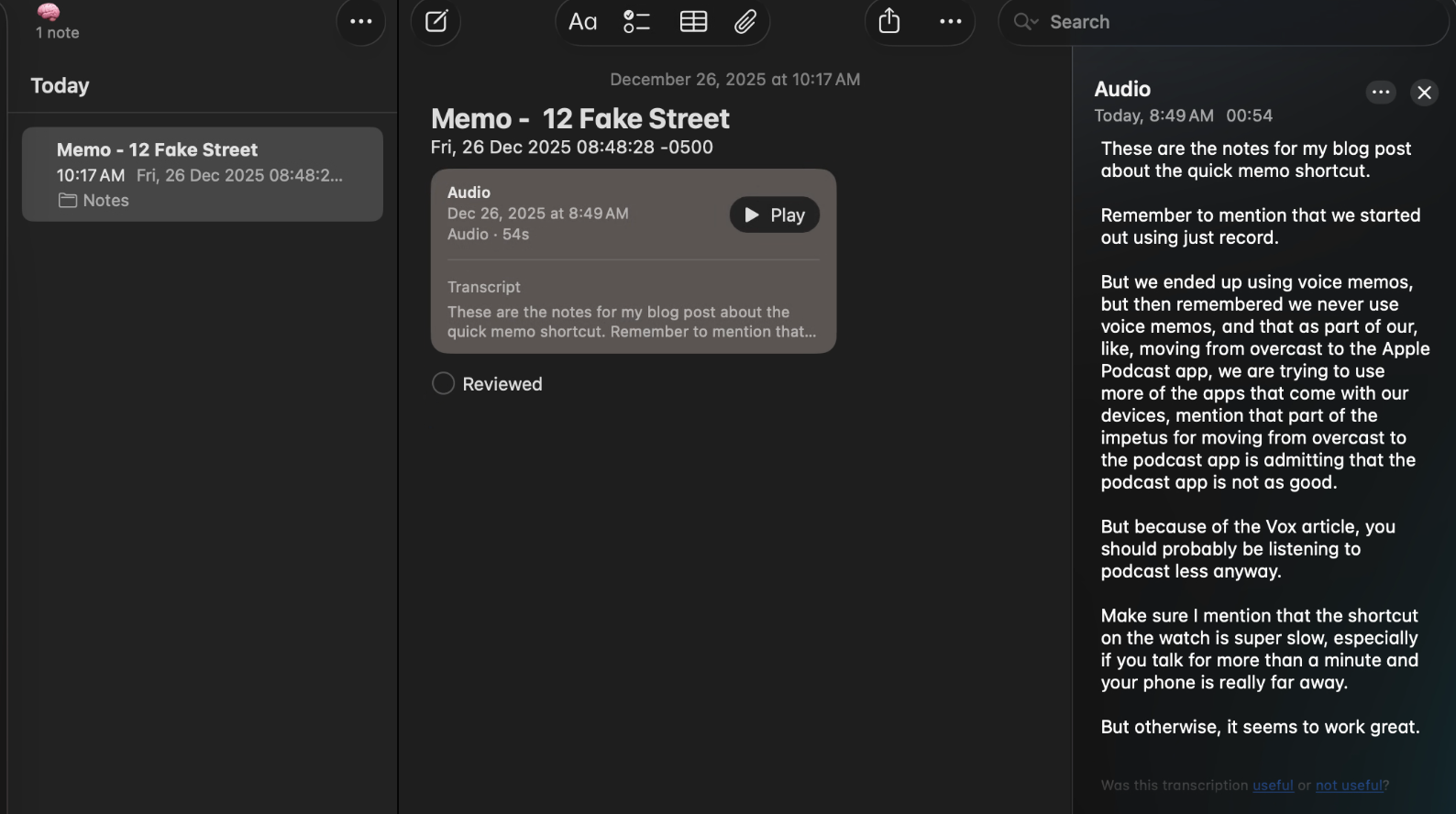
TLDR: In an effort to replicate the functionality of the badass new Pebble ring, I built a shortcut for capturing voice notes and sending them to the Notes app with relevant metadata, and then used Notes to sort them into a kind of "inbox" using Smart Folders.
Update: I had no idea that Shortcuts included an on-device audio transcription action! This shortcut has been updated to include audio transcription, so the created note has the audio transcript and the original audio in the body of the note. Performance was terrible for me on watchOS, so a conditional statement skips that step and just saves the audio if it's running on watchOS.
The holiday projects are relentless in this house and I love it.
Steve Jobs once famously described the personal computer as being like a "bicycle for the mind," multiplying ability without necessarily multiplying effort. More recently, and admittedly less famously, Eric Migicovsky described their new (absolutely killer-looking) smart ring, the Index 01, as "external memory for your brain." The clever thing about the ring is that it doesn't have all of the bells and whistles of the complete "bicycle" or even the ones that you think of when you think of "wearables" today. The Index 01 has no camera, no AI, no voice assistant, no app ecosystem, none of that. It's literally just a ring with a microphone controlled by a physical hardware button (bolded to emphasize how awesome that is) that sends your recordings to your phone.
As someone who has owned the original Pebble, three Apple Watches and most recently a pair of Meta Ray Bans, I love this idea so much. This kind of "smart enough" wearable is so exciting and so cool to see in an age when it seems like you can't buy a washer and dryer without it having an LLM running on it. I am constantly scribbling down (and losing) notes, getting ideas and putting them who-knows-where, and never finding them again. Worse yet, things come to me in the car or when my hands are full and they're just lost forever.
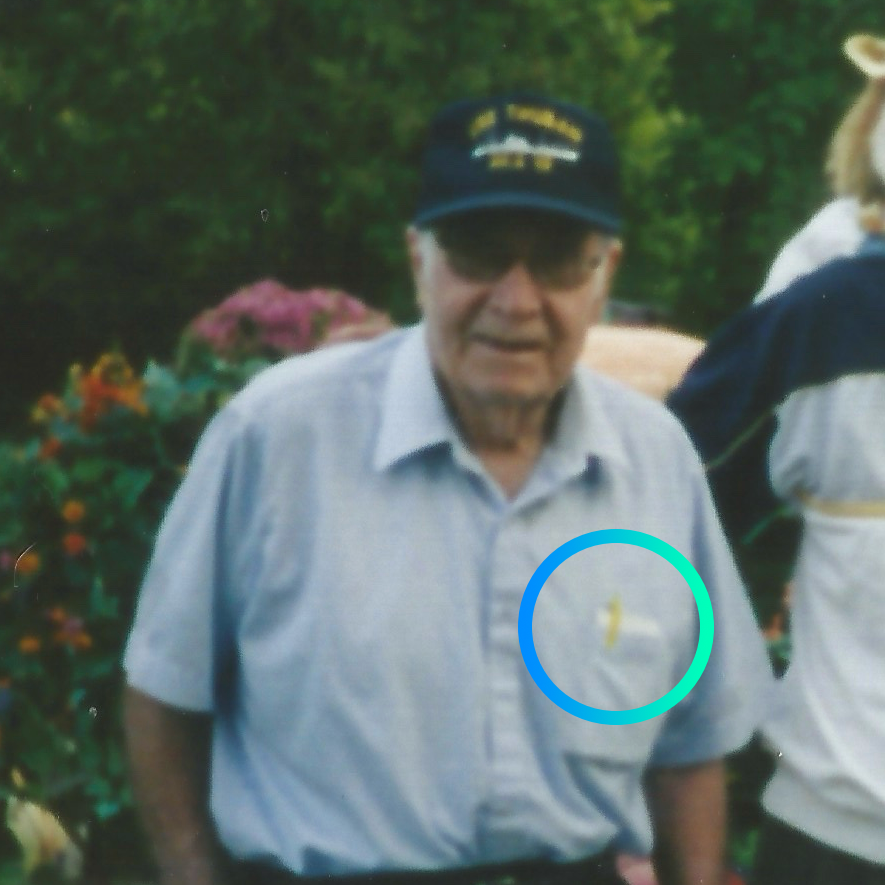
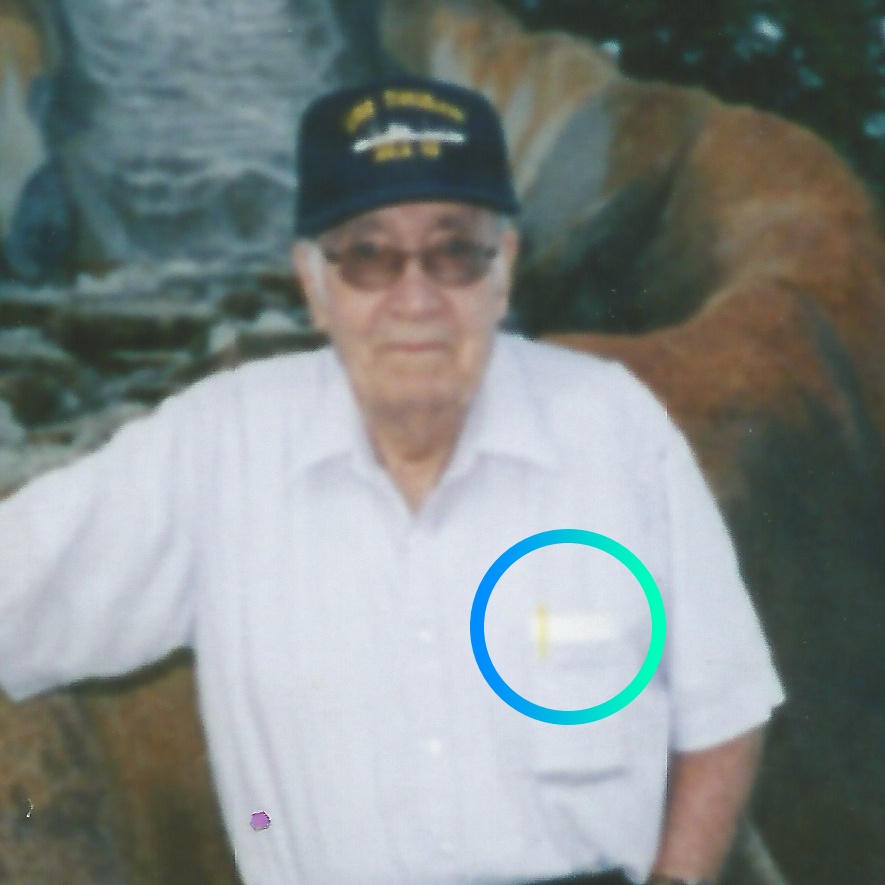
I know I was born to love this idea because my grandfather carried a stack of index cards with him nearly everywhere he went for the exact same reason.
So what's the beef? Well, the Index 01 doesn't ship until Spring of next year and like Veruca Salt, I want it now. I have the bicycle and I'm ready for the external storage but I need something in the meantime.
I need a bicycle for my bicycle.
If I can't have the Index 01 though, maybe I can replicate what it does with hardware I already have.
Justin Just Presses Just Press Record
I didn't have any of the productivity or "idea capture" stuff in mind when I bought it, but I bought the very good app Just Press Record a few years ago. It quite nearly checks every box for what I want to do here:
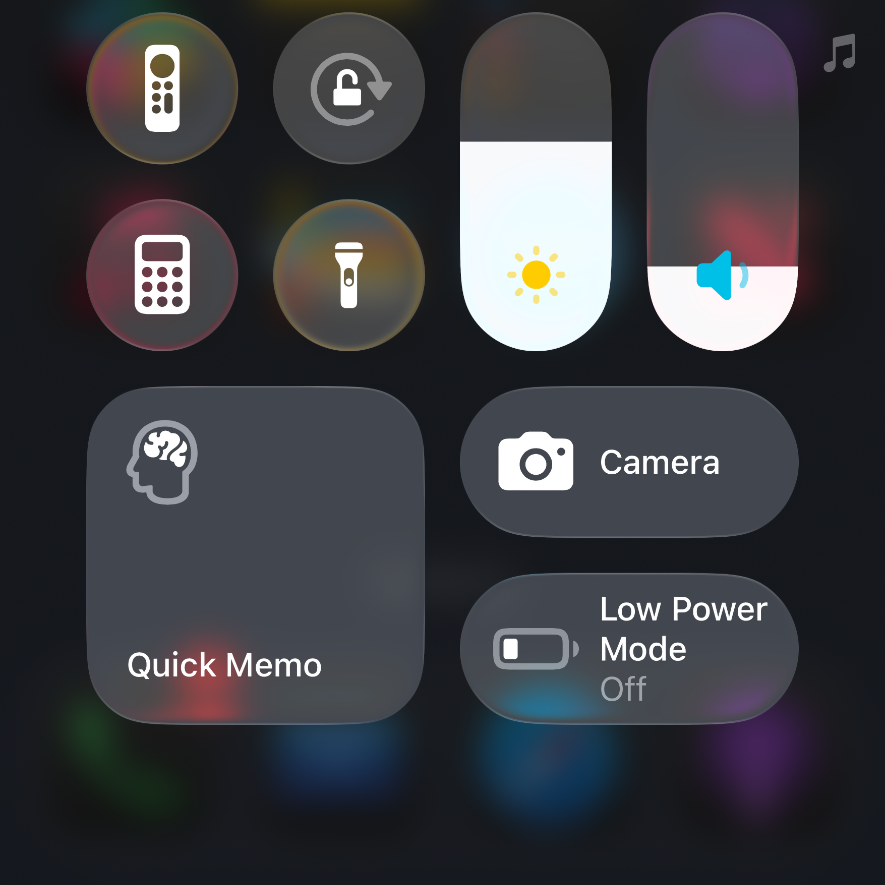
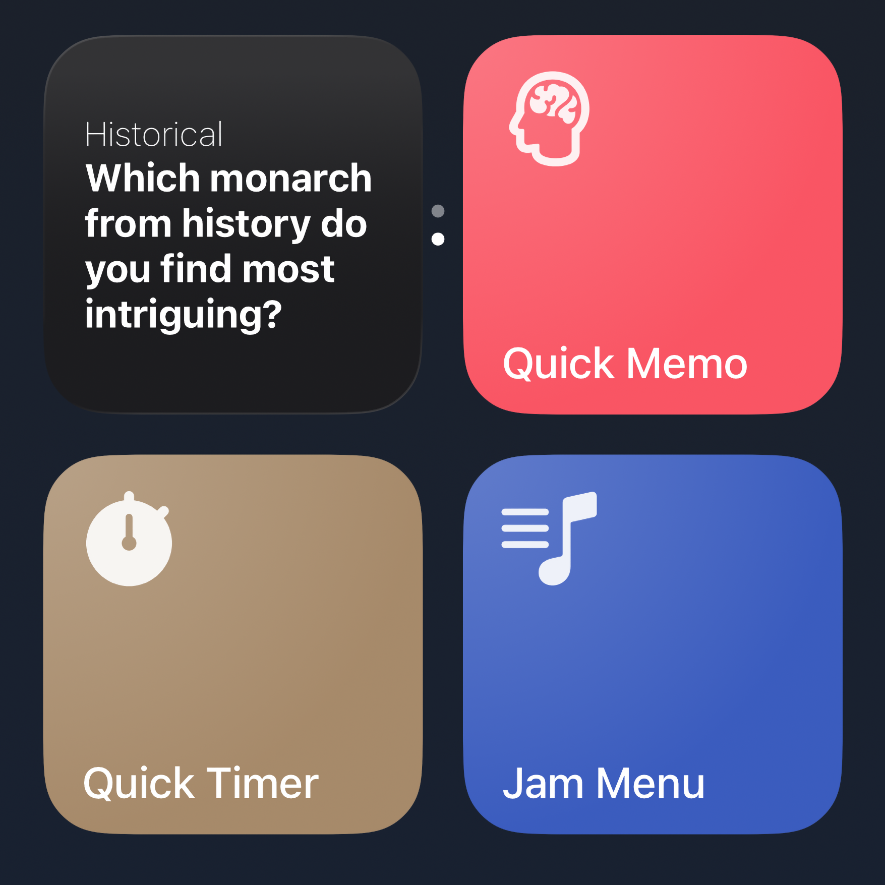
- Widgets on watchOS and iOS: Capturing audio should be one tap (and a swipe, in the case of Control Center) away at all times.
- Transcriptions: Audio should be transcribed automatically, and searchable
- Syncable: If I capture something on one device, any device, it should appear on the rest.
Where Just Press Record fell down for me isn't the app's fault, but kind of a perfect storm of other factors.
The first issue is that while it functionally does all the stuff that I want it to, I bought it years ago and have barely ever used it. I have no muscle memory with Just Press Record, so we're starting from a point of friction.
I need something that works with apps I already use.
The other factor is that my never-ending quest to use more stock apps has marched forward. I am once again trying to switch from Overcast to the Apple Podcasts app. I think it might stick this time thanks to a recent article in Vox (News+ link) about how bad constantly listening to podcasts might be for you. In an effort to let my inner monologue bloom, I am in a place where I'm trying to take the axe to anything that didn't come with my phone.
In the Valley of Voice Memos
It occurred to me this morning that Voice Memos does a lot of what I'm looking for here. It checks nearly every box in the feature list, having recently gotten transcriptions and remarkably, silence skipping.
The issue here is the "nearly" I just mentioned: Voice Memos has no widget support. It does have a Control Center widget but I need an actual widget, something big and bright that I can press easily without searching or reading.
The Gang Takes a Shortcut
While it doesn't have a widget, Voice Memos does have Shortcuts support! The first version of this shortcut used Voice Memos to record and store audio, and the shortcut only existed to trigger Voice Memos in a widget.
Unfortunately for Voice Memos, two things happened here that took it out of the running.
Missing Muscle Memory: While I do use Voice Memos, I never open it regularly and I never go back and check old memos without needing a specific reason. It has basically the same friction that Just Press Record does, it just happens to be first party.
A Wild Notes.app Appeared: While working on this Shortcut, I saw some actions for Notes, which also recently got audio recording and transcription...
This is Note What I Planned
Up to this point, I had assumed (wrongly) that what I needed was not a multistep automation of some kind but just a "capture and save some audio" workflow in a single app.
Wrong!
As I started piecing this shortcut together, other Notes features started to hit me. Notes already lacks all of the friction of these other apps because I'm in it constantly, all day, but it also has features like Smart Folders that I've barely scratched the surface on.
The Final Product
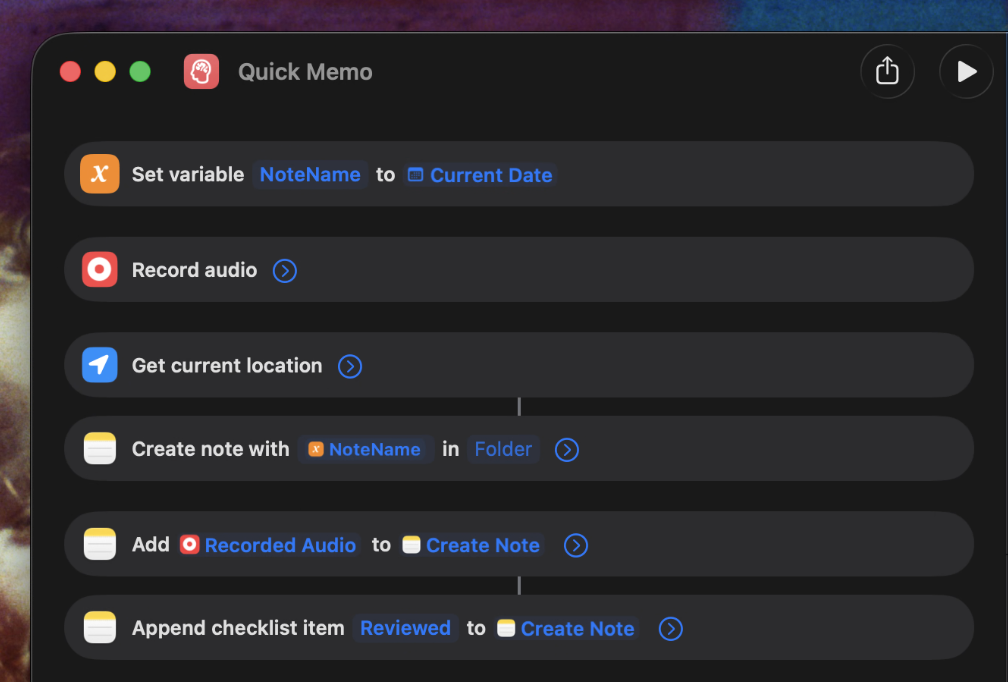
You can download the shortcut and check it out to see the nuts and bolts of how I did it but the short version is that Shortcuts has a "Record Audio" action that is not tied to any specific app. I ran into issues using Voice Memos and sending the recordings to Notes because the Voice Memos action doesn't block the flow of the automation, so the note was made immediately without waiting for the recording to finish.
Not so with "Record Audio" because it blocks the flow until it ends!
Once the recording finishes, I save it to disk because Notes expects an actual file and then I make a new note.
Once the recording finishes, I learned I don't have to actually save it to the disk! I pass the Recorded Audio variable directly to a new note.
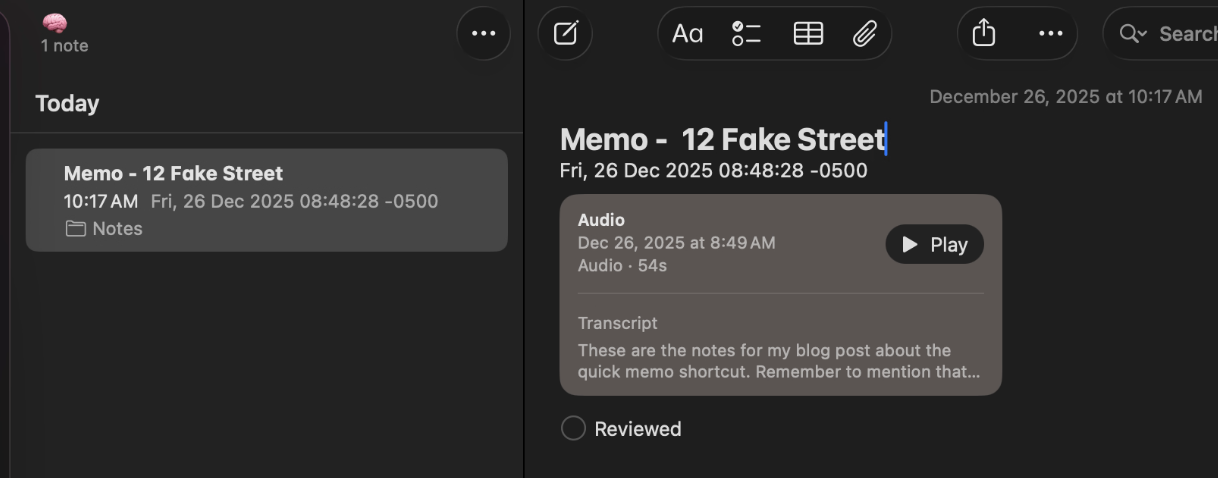
And this is where it gets cool: I append a "reviewed" checkbox to the note so that I can track if I've gone back and acted on the idea yet, along with my current location and the date:
Then, using Smart Folders, I collect every note with audio attached and any unchecked checkboxes:
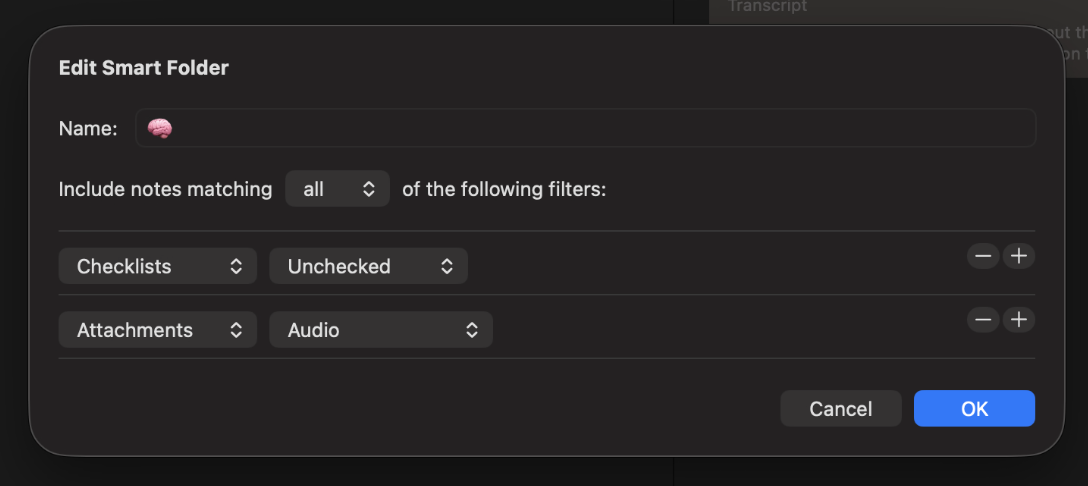
It's an inbox for captured ideas! I'm in the Notes app already, and now I have all of my captured ideas collected, transcribed and waiting to be reviewed.
Will I use this Shortcut forever? Probably not, especially once the Index 01 comes out.
But in the meantime, I am so excited for all of the things that won't be lost to time.
Disclaimer: in my use, the shortcut is still pretty slow on watchOS, especially when the audio is longer than a few seconds. Some of this may be proximity to the phone and age of both the phone and the watch, but wanted to note that here.